
Examples
GradientMesh examples are grouped by rendering feature.
The visual assets are kept in the original GradientMesh repository. This documentation references the same source paths through GitHub raw URLs, so the images do not need to be duplicated in this GitHub Pages repository.
Visual examples
Each screenshot is generated from a dedicated Gideros example script, so the visual documentation stays reproducible and easier to maintain.
Gradient overlay over landscape texture
This example applies procedural gradient colors over a landscape texture.
It is useful for:
- hero images;
- game menus;
- splash screens;
- atmospheric backgrounds;
- quick mood exploration.
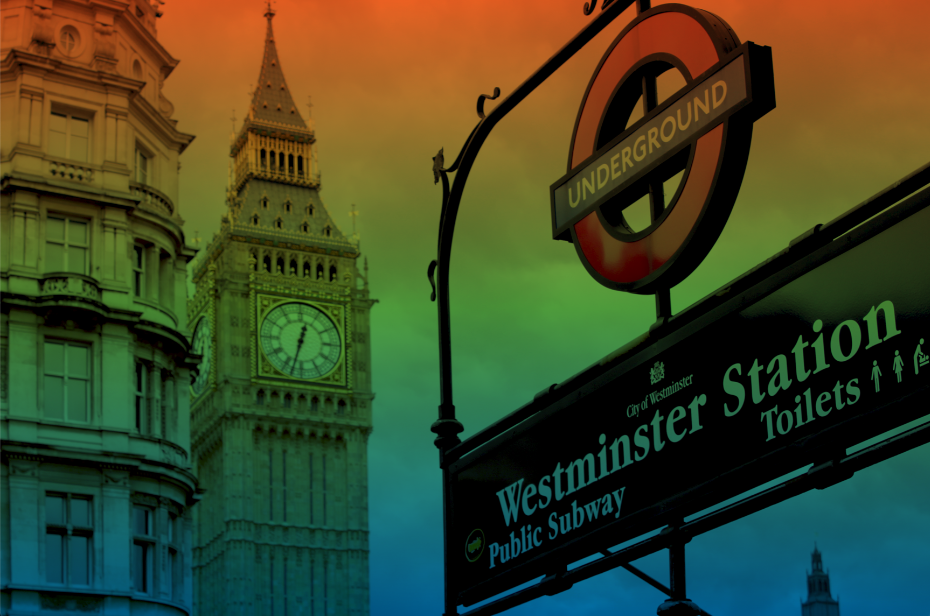
Generated from:
require "examples/gradient_overlay"Source image path in the GradientMesh repository:
docs/images/gradient-overlay-landscape.pngThe
gradient_overlayexample originally supported loading palette data from remote gradient collections. Since some older palette sources may no longer be available, the example is documented as a procedural mesh overlay and can be adapted to use local or fallback palettes.
Texture masking over rotated polygon meshes
GradientMesh can map an image texture onto polygon-based mesh geometry.
This makes it possible to clip, rotate, tint, and antialias images using mesh vertices instead of pre-rendered bitmap masks.
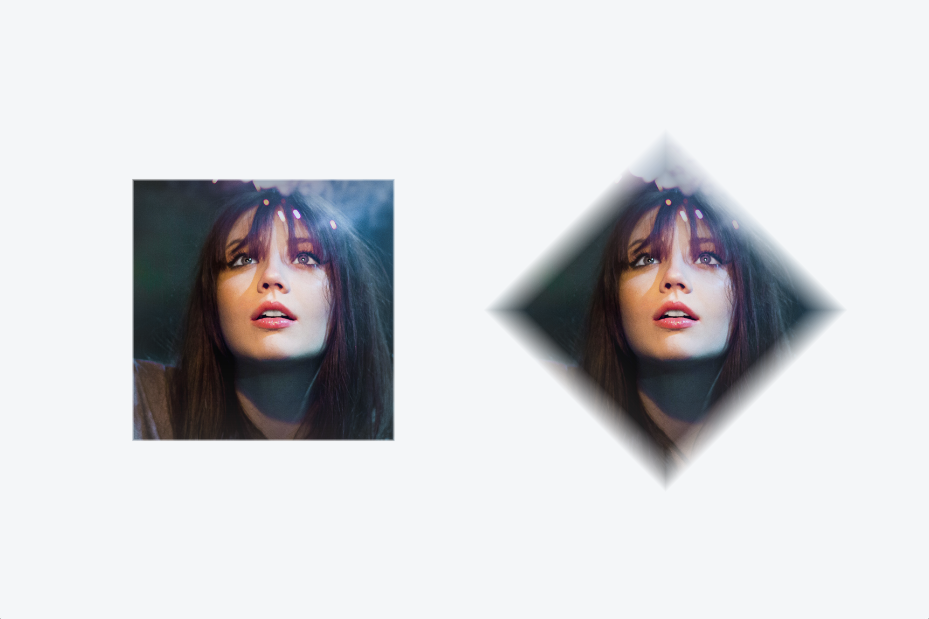
Generated from:
require "examples/texture_mask_rotated_mesh"Source image path:
docs/images/texture-mask-rotated-mesh.pngHexagon portrait texture mask
This example maps a portrait texture onto regular hexagon meshes.
It shows how the same portrait can be clipped through polygon geometry while preserving the image and adding a subtle vertex-color tint.
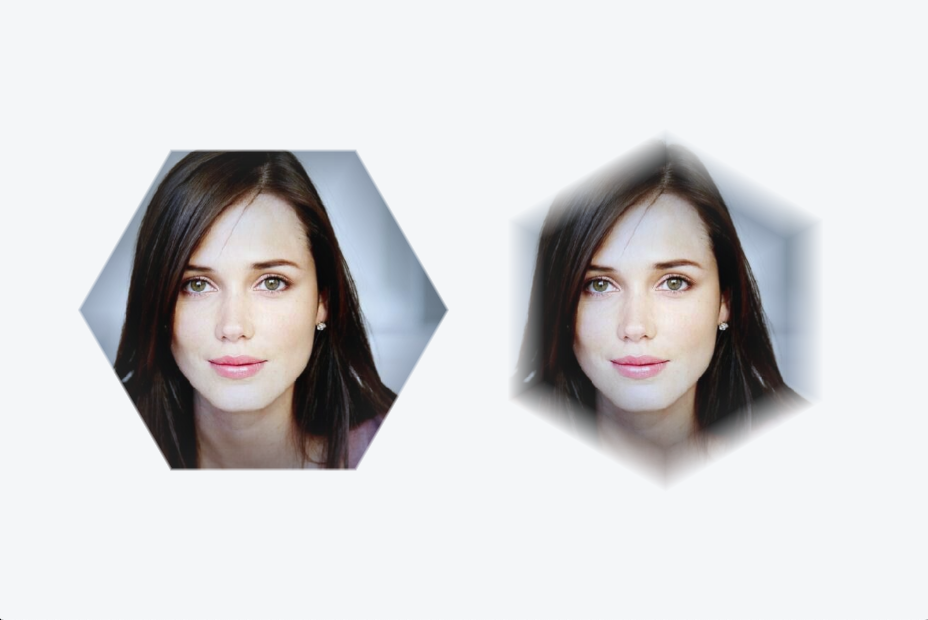
Generated from:
require "examples/hexagon_portrait_texture_mask"Source image path:
docs/images/hexagon-portrait-texture-mask.pngRadial shapes, holes, and deformation
Radial gradients are generated by creating rings of vertices around a center point.
By changing the number of edges, scale factors, and inner radius, the same algorithm can produce:
- circles;
- ellipses;
- polygons;
- donuts;
- deformed radial shapes.
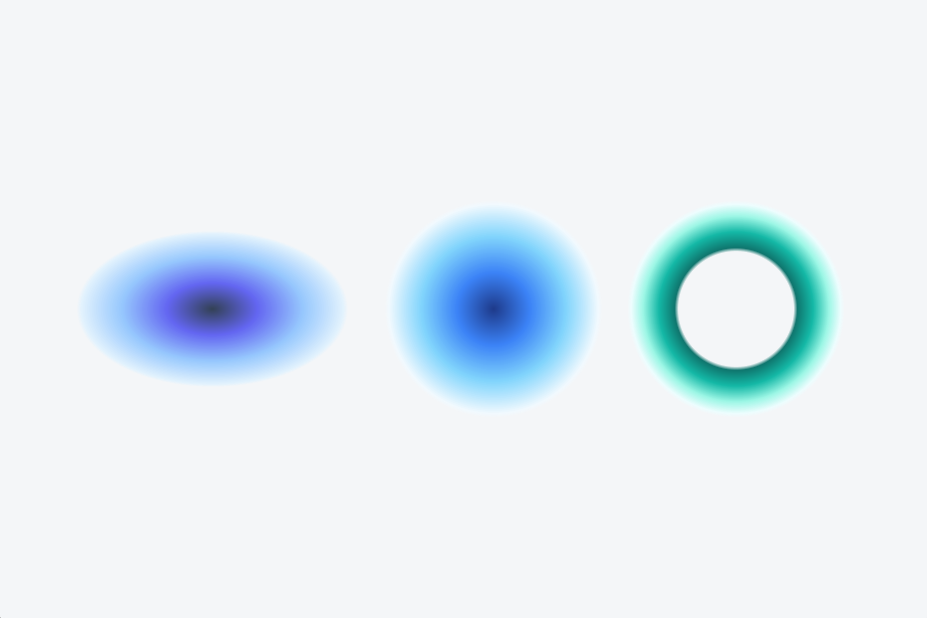
Generated from:
require "examples/radial_shapes_hole_deform"Source image path:
docs/images/radial-shapes-hole-deform.pngSplash texture masks
Splash examples combine texture masks with radial color interpolation.
This is useful for expressive backgrounds, particle-like effects, menu accents, and creative coding experiments.
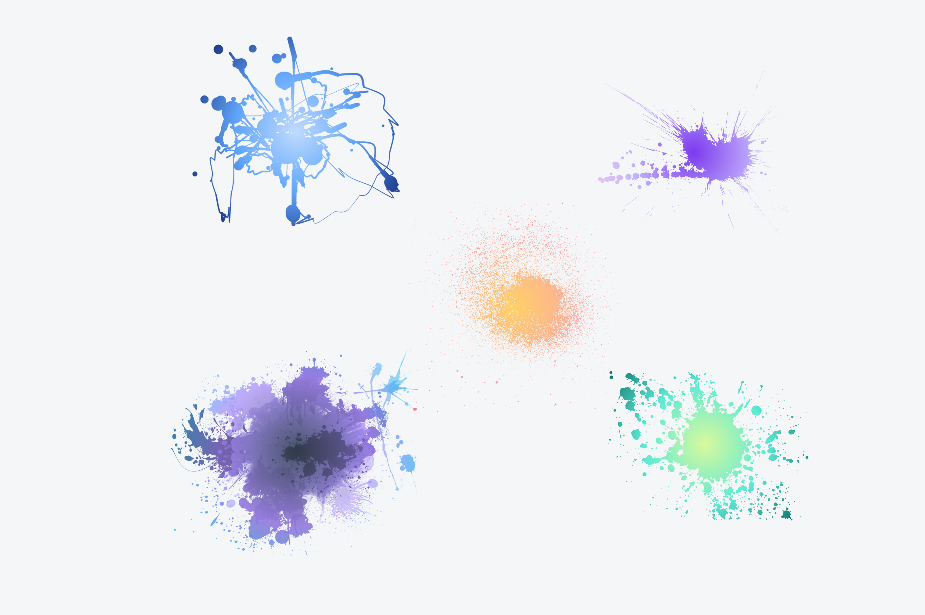
Generated from:
require "examples/radial_gradient_splash_masks"Source image path:
docs/images/radial-gradient-splash-masks.pngExample map
| Example | Focus | Output |
|---|---|---|
gradient_overlay.lua | Gradient overlay over texture | docs/images/gradient-overlay-landscape.png |
texture_mask_rotated_mesh.lua | Square and rotated-square texture masking | docs/images/texture-mask-rotated-mesh.png |
hexagon_portrait_texture_mask.lua | Portrait texture masking over hexagonal meshes | docs/images/hexagon-portrait-texture-mask.png |
radial_shapes_hole_deform.lua | Radial shapes, holes, and deformation | docs/images/radial-shapes-hole-deform.png |
radial_gradient_splash_masks.lua | Splash texture masks with radial gradients | docs/images/radial-gradient-splash-masks.png |